
LOCKSMITH & SECURITY ADVICE · REVIEWED 13 NOVEMBER 2026
Smart locks: security, access and privacy
Check the physical door, account controls and backup access before choosing an app-connected lock.
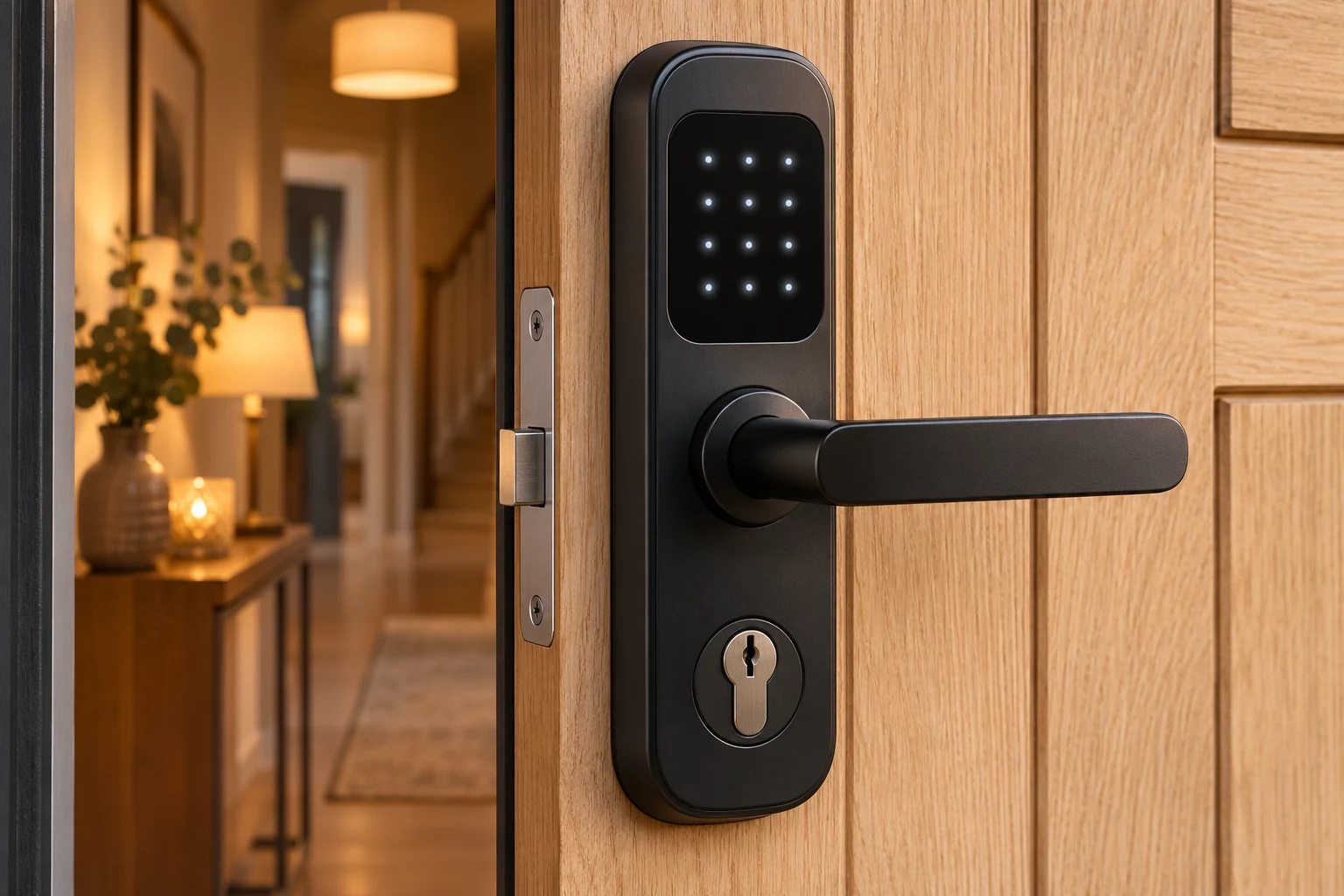
Ask how it works when things go wrong
Have the installer check the exact lock, door and existing hardware for compatibility. Ask how you enter and leave safely if the battery, phone, network or supplier service fails; the answer depends on the model.
- Check the manufacturer's support end date, battery warnings and any subscription costs.
- Ask for evidence of relevant certification for the complete product; a certified cylinder does not certify a separate smart attachment.
- Confirm your insurer's acceptance before purchase.
Keep access and data under your control
Use a strong unique account password, enable extra sign-in protection if available and install security updates. Disable remote access you do not need.
- Ask who can see entry logs, where they are stored and how to remove old users.
- Prefer individual, time-limited access where supported; revoke permissions when no longer needed.
- Make sure the account and recovery details are handed to the authorised owner, rather than left under an installer's control.
- Use the manufacturer's transfer/reset process when moving or disposing of the device. Preserve relevant evidence first if a crime is being investigated.
Sources & review
Original directory guidance based on the sources below, checked13November2026. It is general information; confirm your own equipment, policy, access rights and circumstances.
- www.ncsc.gov.uk/guidance/smart-devices-in-the-home · 2026-11-13
- www.locksmiths.co.uk/services/smart-lock-installation/ · 2026-11-13
- soldsecure.com/category/smart-lock · 2026-11-13