
LOCKSMITH & SECURITY ADVICE · REVIEWED 13 NOVEMBER 2026
Alarms and cameras: choose help and protect privacy
Check installer competence, ongoing costs and what will be recorded before booking an alarm or camera job.
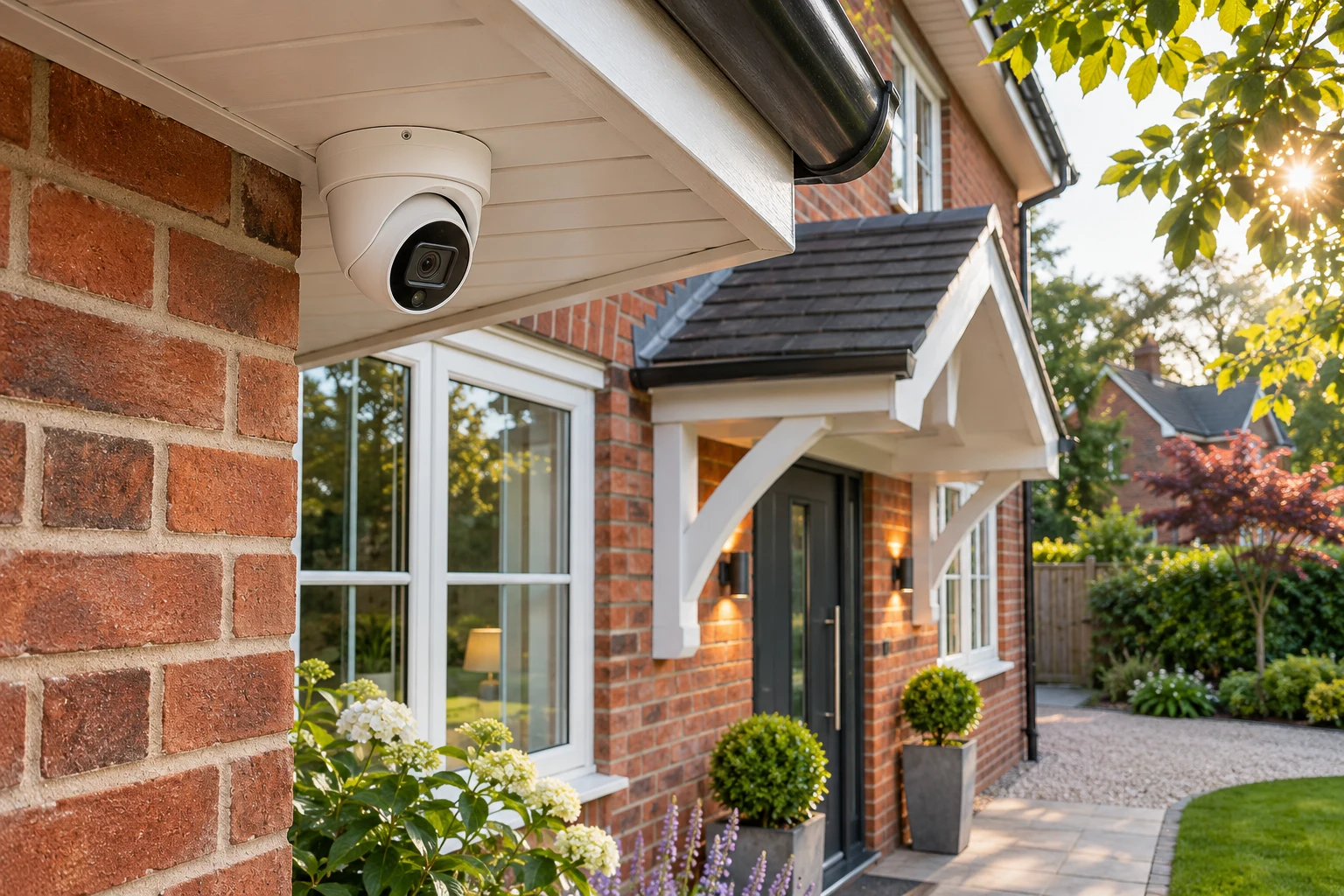
Agree the system and the service
Ask for experience with your equipment and a clear proposal for installation, servicing, fault-finding or replacement. Confirm estimated call-out cost before booking, the work estimate before starting and extras first. Check maintenance, monitoring, cloud-storage and subscription costs.
- NSI and SSAIB certification can help assess competence. Verify the exact business and scope with the issuer: approval for one activity does not prove approval for every alarm or CCTV job.
- These are voluntary certification schemes, not a blanket legal licence required for every domestic installation in England. An insurer or a police-response arrangement may require particular certification and conditions.
- An audible alarm or phone notification does not itself arrange police attendance. Ask separately about approved monitoring and any required police registration; attendance is not guaranteed.
Choose a privacy-conscious camera view
If home cameras or doorbells capture beyond your boundary, including neighbours, public areas or shared spaces, data-protection rules apply. Follow current ICO guidance: record only what you need, tell people, secure recordings, delete them when no longer needed and handle requests appropriately.
- Use privacy masking where suitable. Keep indoor cameras out of bathrooms and other private spaces, and discuss any indoor recording with the people affected.
- Avoid recording conversations unless you have a clear, justified need.
- Never publish a household's security layout, camera views, blind spots, alarm settings or access codes.
Secure Wi-Fi equipment and handover
- Replace default passwords with strong unique ones and protect the associated account and Wi-Fi network.
- Install camera/app/firmware updates, check the support end date and disable remote viewing you do not need.
- Keep the owner in control of accounts; restrict installer access and remove it when no longer required.
- Ask for a demonstration, fault-reporting route and private handover. Cameras complement sound doors and locks.
Sources & review
Original directory guidance based on the sources below, checked13November2026. It is general information; confirm your own equipment, policy, access rights and circumstances.
- www.leics.police.uk/cp/crime-prevention/protect-home-crime/keep-burglars-out-property/ · 2026-11-13
- www.nsi.org.uk/your-home/faqs/ · 2026-11-13
- www.nsi.org.uk/nacoss-security-systems-certification/ · 2026-11-13
- www.ssaib.org/faqs/ · 2026-11-13
- www.ssaib.org/protecting-your-business/alarm-systems/ · 2026-11-13
- ico.org.uk/for-the-public/home-cctv-systems/ · 2026-11-13
- www.ncsc.gov.uk/guidance/smart-security-cameras-using-them-safely-in-your-home · 2026-11-13